
Your browser (Safari 1.0) is more than 3 years old.
We recommend that you upgrade to the latest version. Otherwise we cannot guarantee that all functionality on Jobindex will work correctly.
Skyscraper Banner
Attention through strategic placements on Jobindex

Make your employer brand visible where candidates are already looking
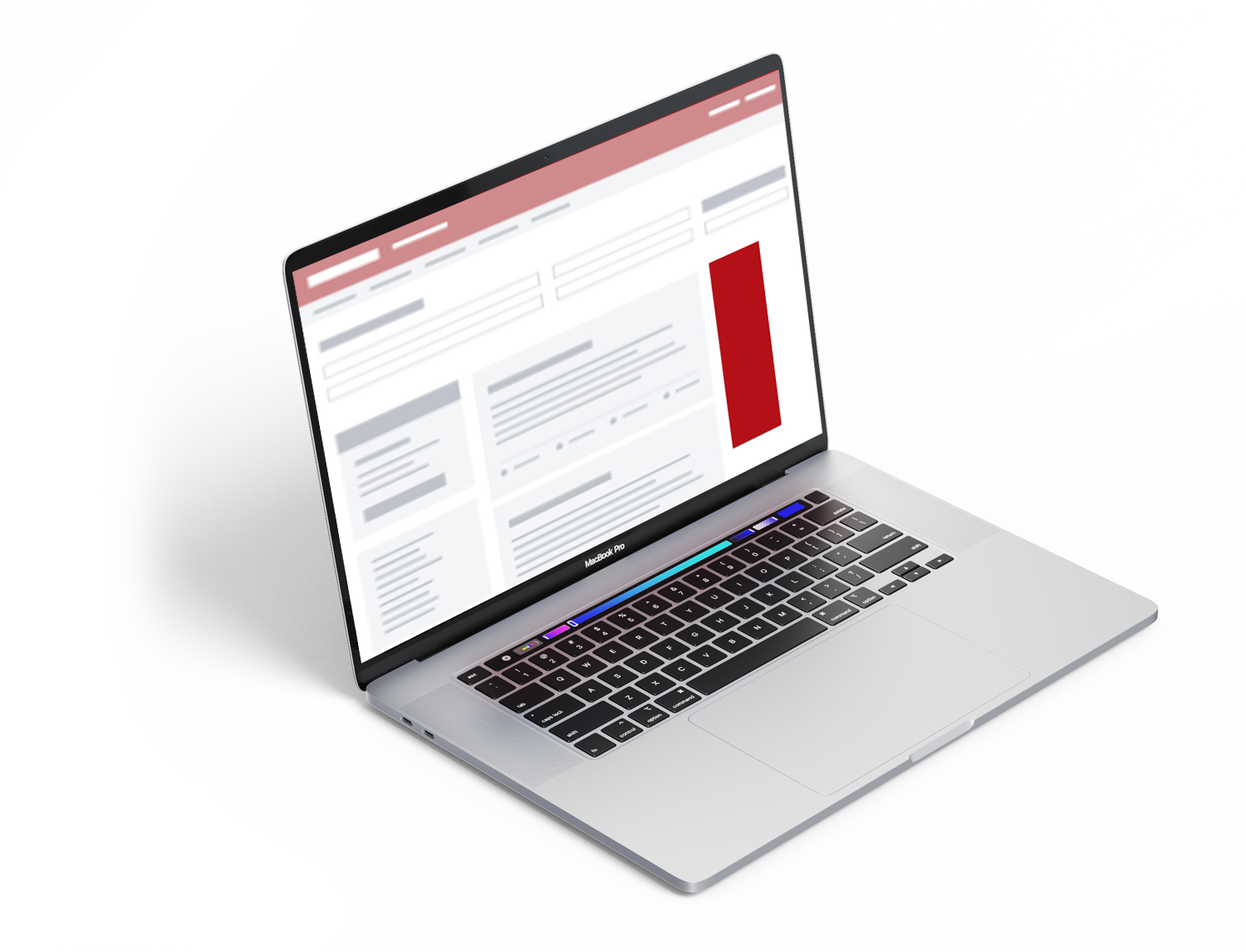
Winning and retaining candidates’ attention is harder than ever. With a skyscraper banner on Jobindex, you gain prominent visibility on one of the most relevant surfaces in the job search journey: the search results page. Here, you can strengthen awareness of your workplace, drive traffic to your careers site, and stay top of mind among the profiles you want to attract – even before they actively start looking for a job with you.
Particularly effective for employer branding and talent pipeline building
A skyscraper banner is especially relevant if you want to promote your careers site, an employer branding campaign, or a specific message aimed at selected candidate groups. You can choose broad exposure across multiple categories or target the banner towards searches within a specific professional field. This allows you to reach the candidates who are most relevant to your recruitment efforts.
High visibility at a competitive CPM
A skyscraper banner is displayed on the search results page for up to 4 weeks at a time. Typically, we see campaigns achieve around 200,000 banner impressions over a 4-week period. This gives you strong exposure at a competitive CPM – and an ideal opportunity to combine employer branding with tangible recruitment value.
Online for up to 4 weeks
Your advertisement runs for a 4-week period with guaranteed exposure.
Visible while scrolling
The banner follows users as they scroll, ensuring you remain visible throughout the page.
Precise targeting
Show your advertisement only to the profiles that are genuinely relevant.
Video and animation
The banner can include video, animation and HTML5 – giving you extensive creative freedom.
Click statistics
Track performance directly through click data, allowing you to optimise continuously.
Don't have a banner?
We can produce it for you – quickly and professionally.
Examples of banners we have produced


Banner specifications
For all banner advertisements, the corresponding files must not exceed 60 kB.
Skyscraper
160 x 600 px
Available in .gif or .jpg format.
All materials for HTML5 banners must be hosted on Jobindex’s servers. Animated banners can be delivered as HTML5 or .gif files. They may loop a maximum of 5 times and run for a maximum of 45 seconds. After this, the animation must stop.
HTML5 banners must be delivered in iframe tags via HTTPS. All links within the banner must open in target="_blank". To enable Jobindex to track clicks, the iframe must accept a "click" parameter, and all banner links must point directly to the URL specified in the "click" parameter.
For HTML5 banners, a clickTAG must be implemented to allow us to collect click statistics. The banner must not contain a hardcoded URL.
CC Animate
this.ctaclick.addEventListener("click", fl_ClickToGoToWebPage_2);

function fl_ClickToGoToWebPage_2() {

  var clickurl =

    decodeURIComponent(location.search.replace(/.*[?&]click=([^&]*).*/, "$1"));

  window.open(clickurl,"_blank");

}
Adobe Edge and Google Web Designer
var clickurl = decodeURIComponent(location.search.replace(/.*[??&]click=([^?&]*).*/, "$1"));

window.open(clickurl,"_blank");
If we are producing your banner and you have not supplied image assets, we will source them from your website (see our terms and conditions).
